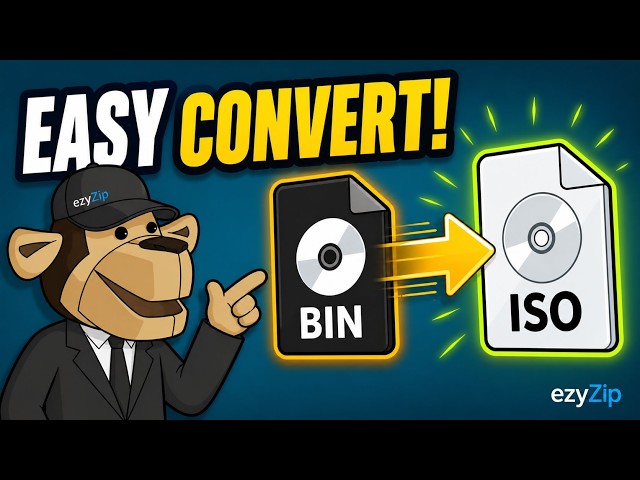

📀 How to Convert BIN to ISO Online Free | No Software Installation Required
May 5, 2026

Converting your BIN disc image to ISO has never been easier! With ezyZip, you can convert BIN files to ISO format directly from your browser — no software downloads required.
⚠️ IMPORTANT: When selecting your BIN file, be sure to also select the corresponding CUE or TOC file, as it is required to define the structure of the BIN image. Without it, the conversion cannot be completed.
🔥 Why choose this method?
✅ 100% Free and online
✅ No software installation needed
✅ Fast and secure conversion
✅ Files never leave your device — runs locally in the browser
✅ Works on any device with a browser
📋 Steps to convert BIN to ISO:
1️⃣ Visit ezyZip and navigate to the BIN to ISO converter
2️⃣ Click "Select BIN file to convert" and choose your BIN file
3️⃣ Be sure to also select the corresponding CUE or TOC file
4️⃣ Click "Convert to ISO"
5️⃣ Save the converted ISO file to your selected folder
🎯 Perfect for: Game enthusiasts, software archivists, disc image management, virtual machine setup, and anyone who needs to convert disc image formats without complicated software.
Show More Show Less #Hobbies & Leisure