
📦 How to Extract RAR Files Online | No Software Needed - 100% Free
Mar 13, 2020

⚠️ THIS IS AN OLD TUTORIAL - WATCH OUR UPDATED VERSION: https://youtu.be/JB6pjM9M0TM ⚠️
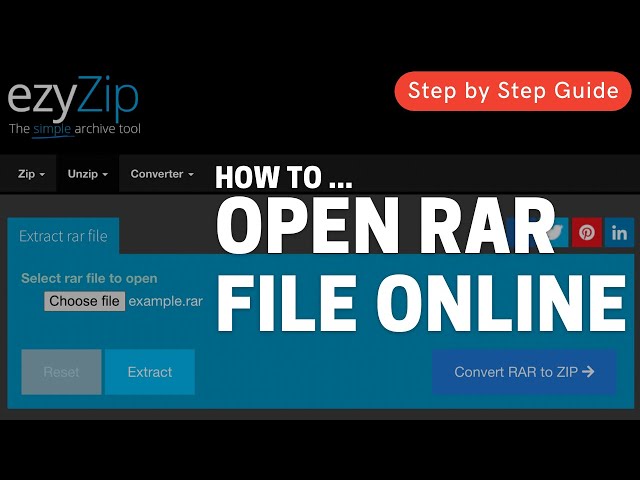
This tutorial shows you how to easily open and extract RAR archives directly in your web browser without installing WinRAR or any special software. Perfect for when you need to access RAR contents quickly on any device!
✅ FREE Online RAR Extractor Tool: https://www.ezyzip.com/open-extract-rar-file-online.html
SIMPLE 5-STEP PROCESS:
1️⃣ Visit our RAR extraction page
2️⃣ Click "Select rar file to open" to browse your files
3️⃣ Choose the RAR file you want to extract
4️⃣ Click "Extract" and wait for the contents to appear
5️⃣ Download individual files by clicking the green "Save" button for each one
Why use an online RAR extractor? Works on any device with a browser, no software installation required, and gives you instant access to your archived files!
#rarextractor #extractrar #onlinerartools #openrarfiles #rararchives #freerarextractor #unrar
Follow us:
Twitter: https://twitter.com/ezyZip
Facebook: https://www.facebook.com/ezyzip/
Show More Show Less