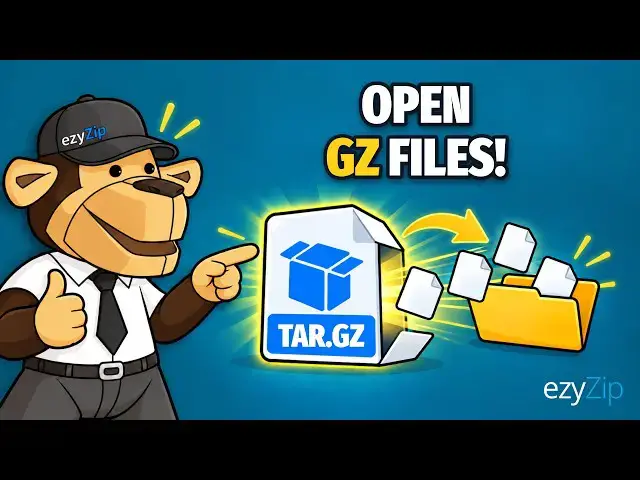

How to Open GZ Files Online Free | No Software Installation Required
Nov 10, 2026

This step-by-step tutorial shows you how to open and extract TAR.GZ files online with ezyZip. No software to install, no sign-up and no upload: everything runs right in your browser, so your files never leave your device!
FREE Online TAR.GZ Extractor: https://www.ezyzip.com/unzip-tar-gz-file-online.html
SIMPLE EXTRACTION PROCESS:
1. Click "Select TAR.GZ file to open" and choose your TAR.GZ file, or drag and drop it onto the page.
2. Wait a moment while extraction runs automatically. The contents are then listed.
3. Click the green "Save" button to save any extracted file directly to your device.
4. To save everything at once, click "Save All", choose a folder, and click "Allow" when your browser asks "Allow this site to edit files?".
What is a TAR.GZ file? A tar.gz file is basically two files wrapped into one. The first one is a tar file (sometimes referred to as a tarball), a collection of files & folders wrapped into a single package. The tar file then gets compressed into a gz file, utilising the GNU zip (gzip) compression algorithm.
This is a common pattern used in unix/linux environments to bundle multiple files for easier distribution or backup.
Tgz and tar.gz files are essentially the same thing, just with different file extension.
Why use ezyZip? Extraction runs entirely in your browser, so no file data is sent to a server. It is 100% free, needs no registration, and "Save All" keeps the folder structure in supported browsers like Chrome and Edge.
#targzextractor #targzfiles #onlineextractor #fileextraction #ezyzip
TWITTER: https://twitter.com/ezyZip
FACEBOOK: https://www.facebook.com/ezyzip/
LINKEDIN: https://www.linkedin.com/showcase/ezyzip/
PINTEREST: https://www.pinterest.com.au/ezyzip
MEDIUM: https://medium.com/@ezyZip
Show More Show Less